 ).
).A home site is required to associate the subscriber’s device with the device configuration.
To create a home site, complete the following steps:
| 1. | Click Monitor and Manage (). |
| 2. | In the Networks tab, search for the network and hover over the network name. |
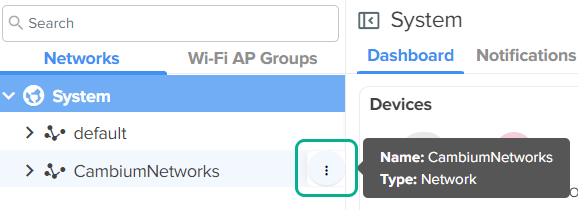
| 3. | Click the actions ( ) icon and select Add Site. ) icon and select Add Site. |
The Sites > Add New page appears.
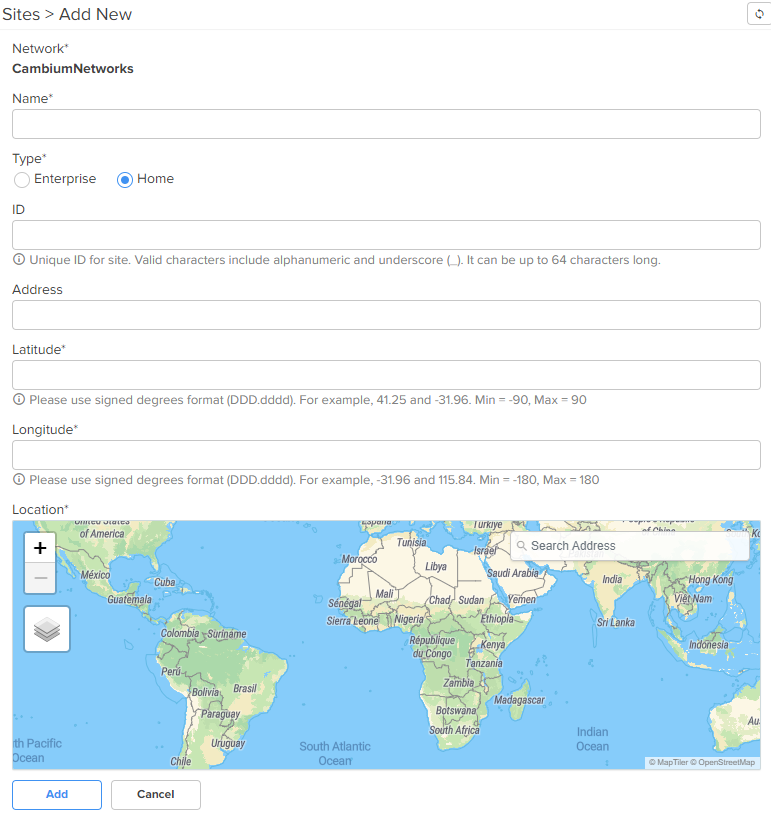
| 4. | Select the Home option in the Type field. |
| 5. | Enter the location details in the Longitude and Latitude fields. |
You can also search for the location in the map to fill in the details.
| 6. | Click Add. |