cnMaestro works in two different modes: Essentials, and X. cnMaestro Essentials is free and supports basic network management functionality. cnMaestro X is paid and requires subscriptions.
New accounts are created with cnMaestro Essentials capabilities. cnMaestro X features can be activated with the Entitlement ID provided by Cambium Networks. For more details, refer to cnMaestro Features. You can purchase the Entitlement ID from an authorized Cambium Reseller or Distributor. The subscriptions are available for 1 year, 3 years, and 5 years per device type and device count. Pricing is based on Device Tiers. You need an Entitlement ID with equal or more device counts for each tier shown in the Device Summary.
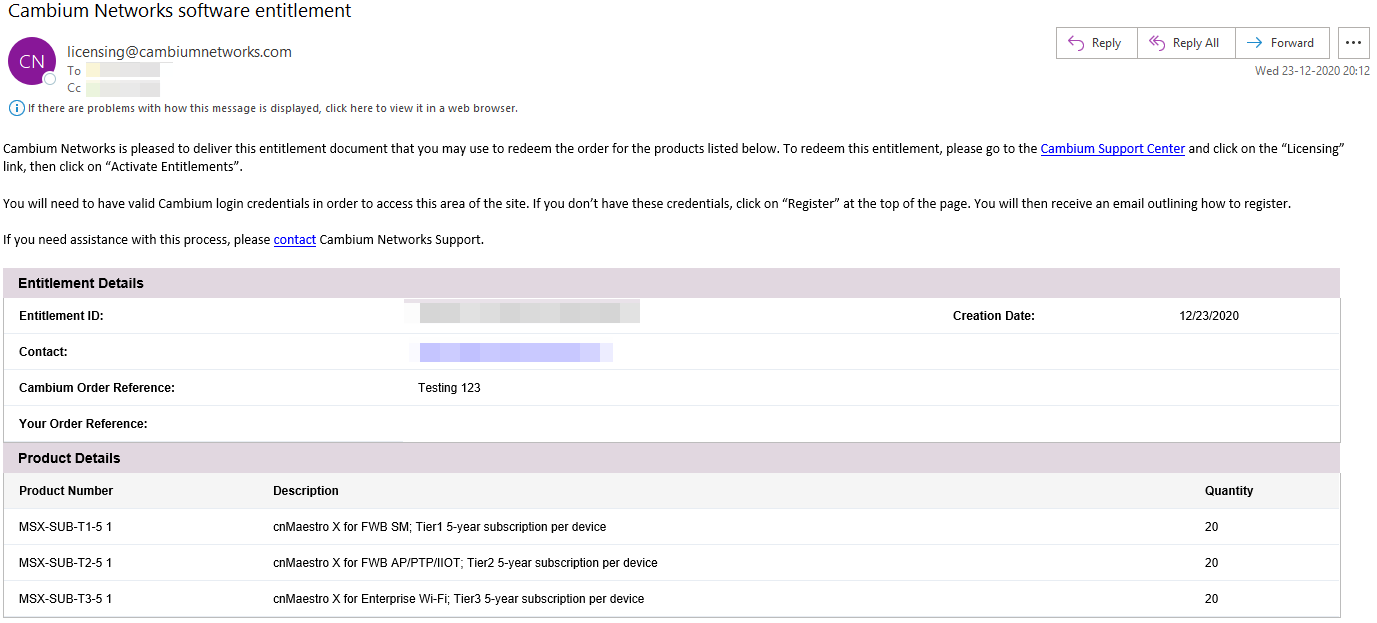
cnMaestro X part numbers are available at https://www.cambiumnetworks.com/products/software/cnmaestro-x/. Once your order is processed, you will receive an email from Cambium containing your Entitlement ID.
Figure 1 Example of Entitlement ID
|
|
Note
|
The NSE device subscription is supported in cnMaestro Essentials as well as cnMaestro X in the cnMaestro Cloud deployment.
You can avail the Entitlement ID for NSE with the required device slots according to the Device Tiers by contacting the reseller or distributor.
When you move other devices from cnMaestro Essentials to cnMaestro X, you can continue to use the same NSE subscription.
When you have only Free Tier devices and a subscription for NSE, you can manually upgrade to cnMaestro X and downgrade to Essentials on your own.
cnMaestro Essentials users can try cnMaestro X features, for free, as part of the cnMaestro X Trial mode for a duration of 90 days. New users who meet the following criteria can self-activate the trial:
There must no subscriptions in the Essentials account.
Users must not have used cnMaestro X earlier.
If the users have already used cnMaestro X earlier, then downgraded to Essentials, and now want to try cnMaestro X trial, then they must contact the Cambium Support team by filling the form at https://www.cambiumnetworks.com/cnmaestro-x/.
Users must not have activated cnMaestro X Trial earlier.
If the trial was activated earlier and users want to try cnMeastro X Trial again, users must contact the Cambium Support team by filling the form at https://www.cambiumnetworks.com/cnmaestro-x/.
To self-activate the free cnMaestro X Trial, complete the following steps:
Navigate to cnMaestro Essentials account homepage.
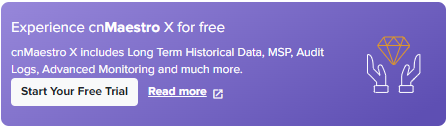
Click Start your Free Trial in the Experience cnMaestro X for free banner on the right pane.
The cnMaestro X Network Management pop-up is displayed.
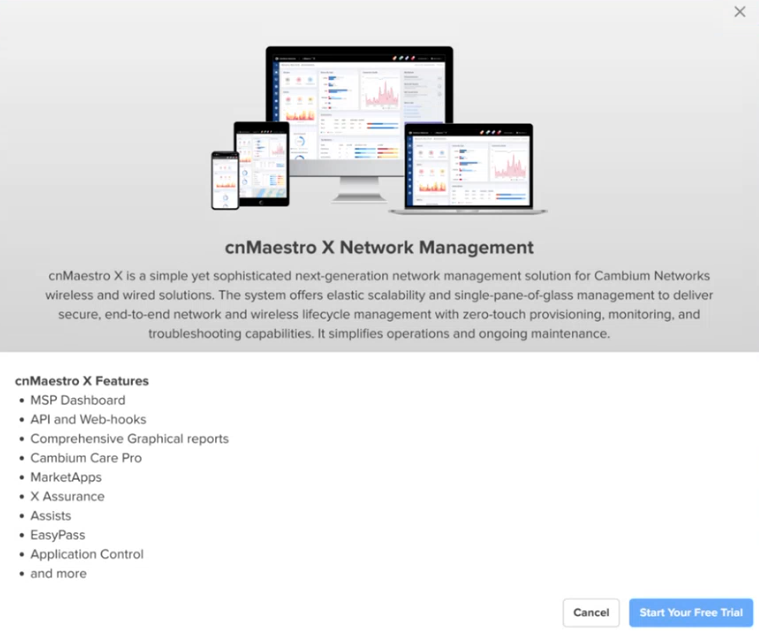
Click Start Your Free Trial.
A success message is displayed at the top of the homepage.
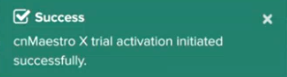
A banner also appears mentioning that the trail activation has started.

